
A boardroom is the room where a company's biggest decisions happen. Leadership reviews, board meetings, investor calls and client pitches all land here. That makes it the one room where every voice needs to be heard and every slide needs to be seen, whether people sit at the table or join from another city.
A good boardroom setup brings seven things together:
- A table and seating layout planned around the camera
- Cameras that capture every seat
- Microphones and speakers that cover the full length of the table
- A display or LED video wall sized for the farthest seat
- Wireless content sharing
- One touch meeting controls
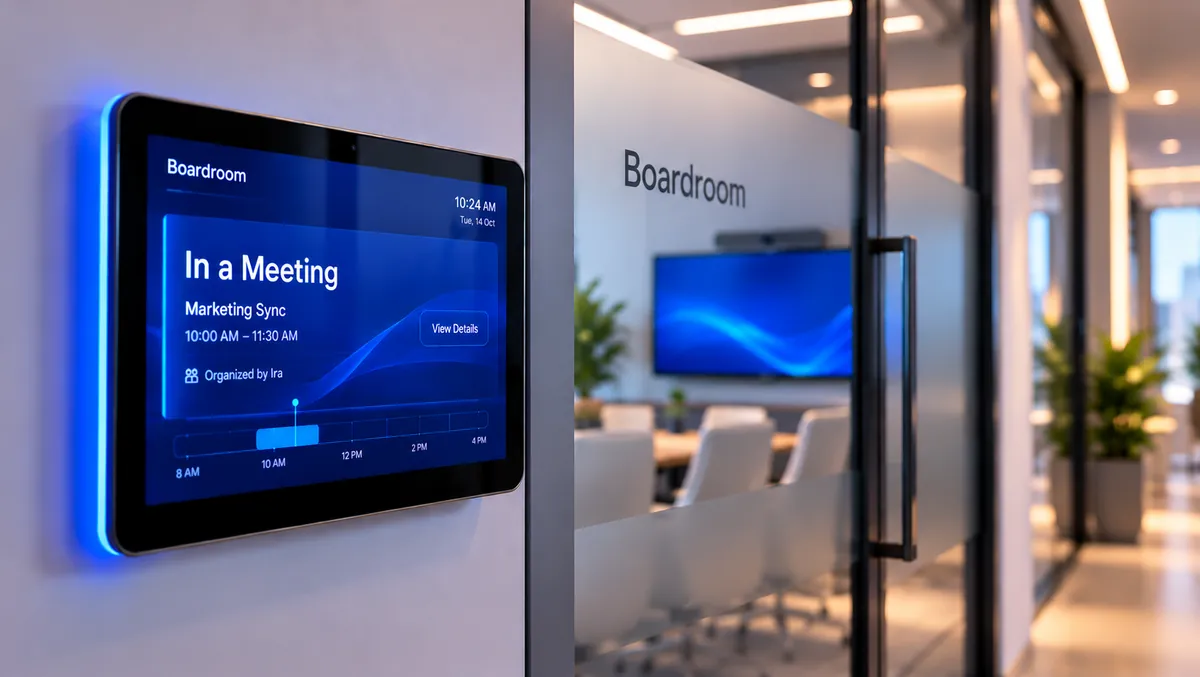
- A booking panel at the door
Here's how to get each one right.
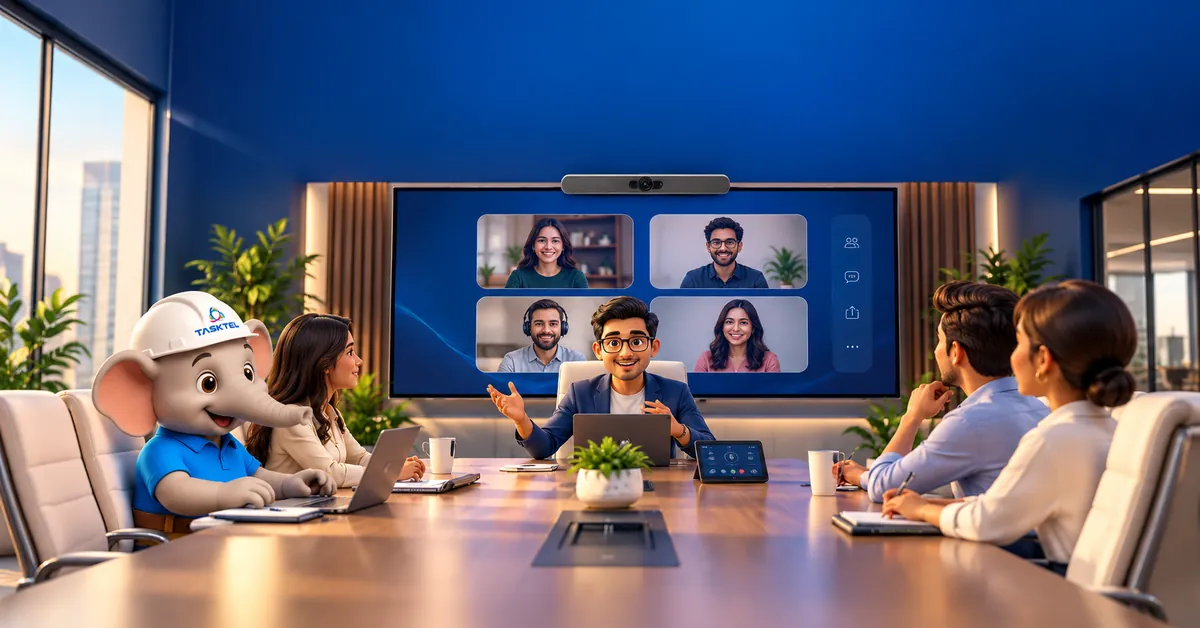
Boardroom or conference room: what is the difference?
Both rooms host meetings, but they serve different jobs. A conference room handles everyday team discussions. A boardroom hosts fewer, higher stakes meetings with senior leaders, board members and external guests.
That changes the brief. Boardrooms are usually larger, seat 10 to 20 people around one long table, and carry more remote participants on important calls. The tech has to work for the person at the far end of the table just as well as for the person beside the screen.
1. Plan the boardroom table and seating around the camera
The classic boardroom style seating is one long rectangular or boat shaped table with chairs on both sides and the screen at one end. It looks great, but it creates a challenge for video calls. The people closest to the camera fill the frame, and the people at the far end look small.
A few design choices help:
- Boat shaped or tapered tables angle the seats toward the screen so more faces stay visible
- Leave clear space between the head of the table and the display wall so the camera captures the first seats without cutting them off
- Plan cable management into the table from day one. Floor boxes and table connectivity boxes keep power and HDMI points tidy and out of sight
2. Cameras that capture every seat
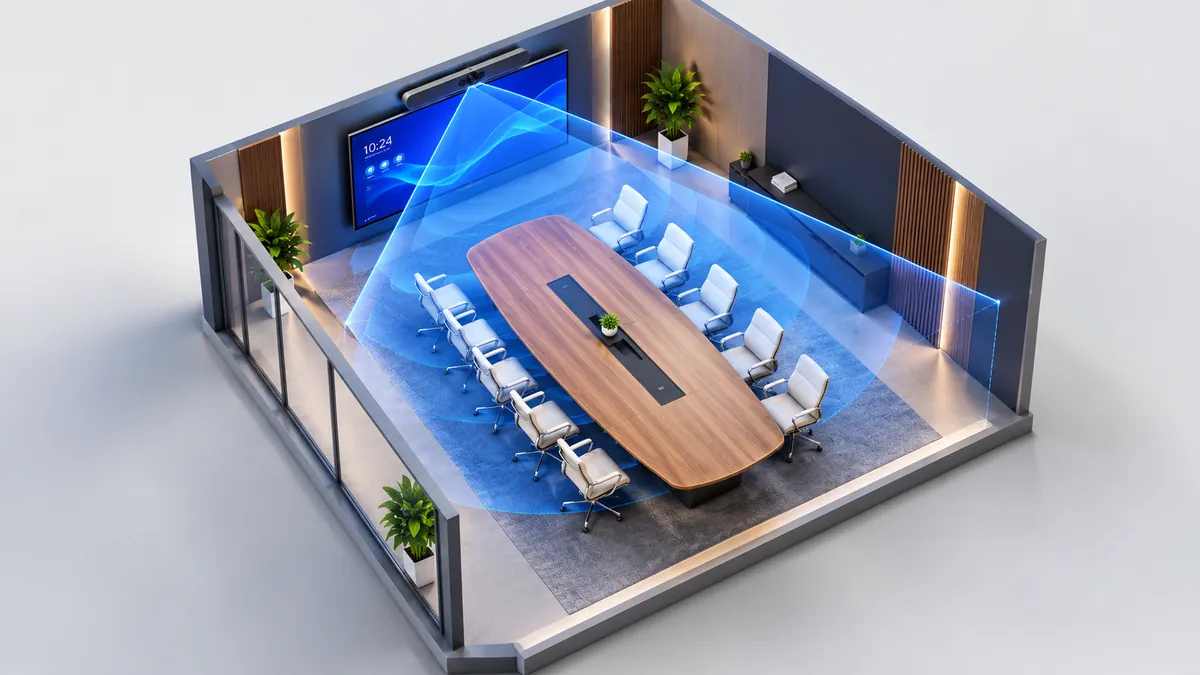
A single camera at the front works well for small rooms. In a long boardroom, the far seats sit too far back for one camera to show everyone clearly.
Modern boardroom setups solve this in two ways:
- AI powered video bars with wide lenses and auto framing that follow whoever is speaking
- Multi camera systems that add a second camera in the middle of the table, so remote participants see faces from the front instead of the side
The result is simple: remote attendees feel like they have a seat at the table.
3. Audio built for a long table
Audio matters more than video. People forgive a slightly soft picture. They struggle to follow a meeting when they cannot hear.
For a long table, plan for:
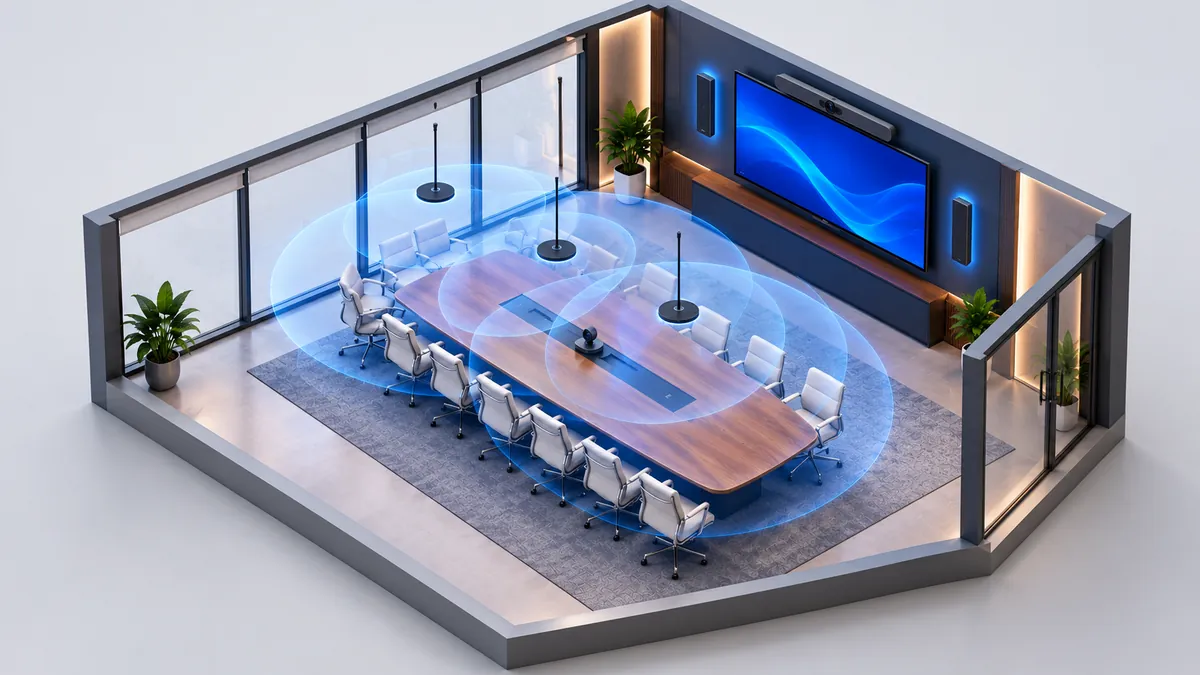
- Ceiling or table microphones spread along the table so every seat sits within pickup range
- Speakers placed for the room, so voices from the far end of a call reach every chair at a comfortable level
- Echo cancellation and noise reduction, which most professional meeting room systems include
A quick test during any demo: sit at the seat farthest from the screen and ask the remote side if they can hear you clearly.
4. Displays and LED video walls
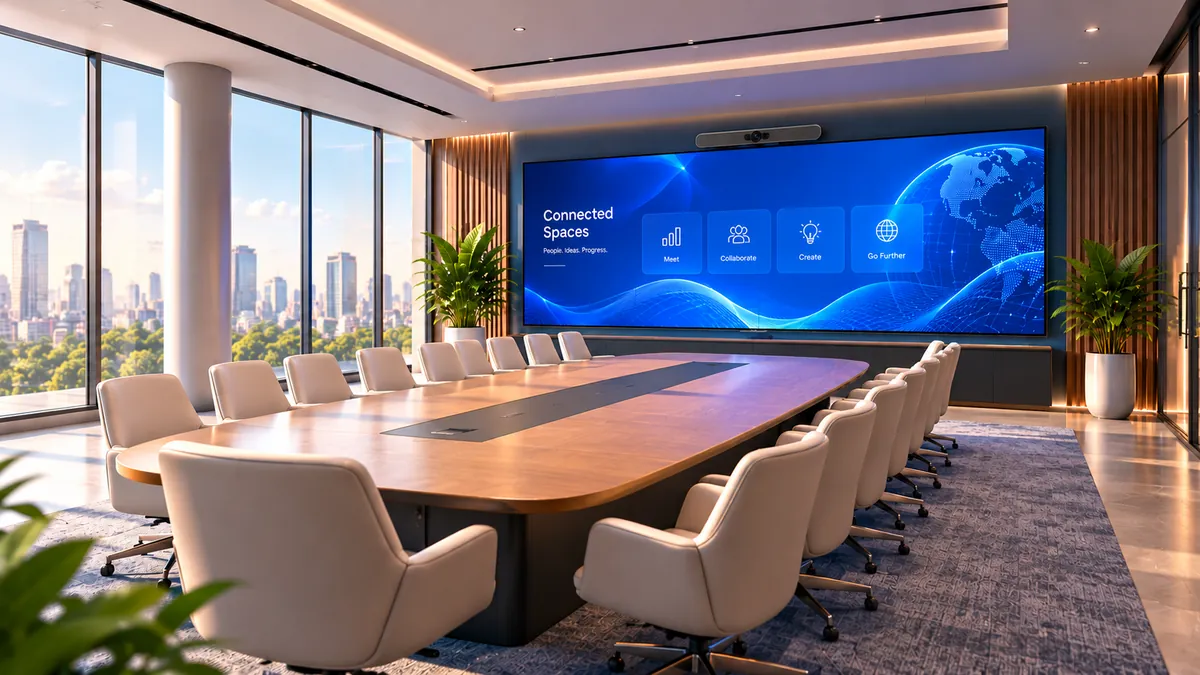
Size the screen for every seat at the table. It should be large enough for the person at the far end to read a spreadsheet, and placed far enough from the table that the people sitting closest can watch comfortably without craning their necks or straining their eyes. In long boardrooms, that balance usually means a larger screen set further back from the table, or an LED video wall.
Your main options:
- Large format displays for small to mid-sized boardrooms. Dual displays work well when you want to show people on one screen and content on the other
- LED video walls for large boardrooms and executive briefing rooms. They scale to almost any size, stay bright in daylight, and have no visible gaps between panels
- Interactive boards for teams that like to sketch ideas during meetings
5. Wireless content sharing
Nothing slows a boardroom meeting like hunting for the right cable. Wireless presentation systems let anyone share their laptop screen in a click, including guests who are visiting.
6. One touch meeting controls
A touch controller on the table lets anyone start the scheduled meeting with one tap. It works with Zoom, Microsoft Teams and Google Meet, depending on your platform.
Time is valuable, and a meeting that starts on time is a meeting that respects it.
7. Boardroom booking panels
A booking panel outside the door shows who has the room and for how long. Teams can book it from Zoom, Outlook, Teams or Google Workspace.
Many panels also release the room automatically when nobody checks in, so it is ready for the next meeting.
Free Boardroom Setup Checklist
Check these before you sign off on a boardroom.
- Table and seating planned around the camera, with cable management built in
- Camera coverage for every seat (video bar and/or multi camera)
- Microphones and speakers cover the full length of the table
- Display or LED video wall sized for the farthest seat
- Wireless content sharing works for guests
- One touch controller starts the scheduled meeting
- Booking panel installed at the door
FAQ
What is a Boardroom?
A boardroom is a meeting room used for board and client meetings. It usually has one large table and seats 10 – 20 people.
What equipment does a boardroom need?
A modern boardroom needs a camera system, microphones and speakers, a display or LED wall, wireless content sharing, a touch controller and a booking panel.
What is the difference between a boardroom and a conference room?
A conference room is used for everyday team meetings. A boardroom hosts senior, high stakes meetings, is usually larger and needs AV that covers a long table and more remote participants.
See a boardroom setup in action
The best way to choose boardroom tech is to experience it first. At the TaskTel Experience Centre in Bengaluru, you can test video bars, multi-camera systems, LED walls and wireless sharing side by side, with our team on hand to answer questions.
TaskTel has designed and installed workplace technology for over 24 years.
Book your Experience Centre Visit